





PIXMA G5070
PIXMA G5070
PIXMA G5070
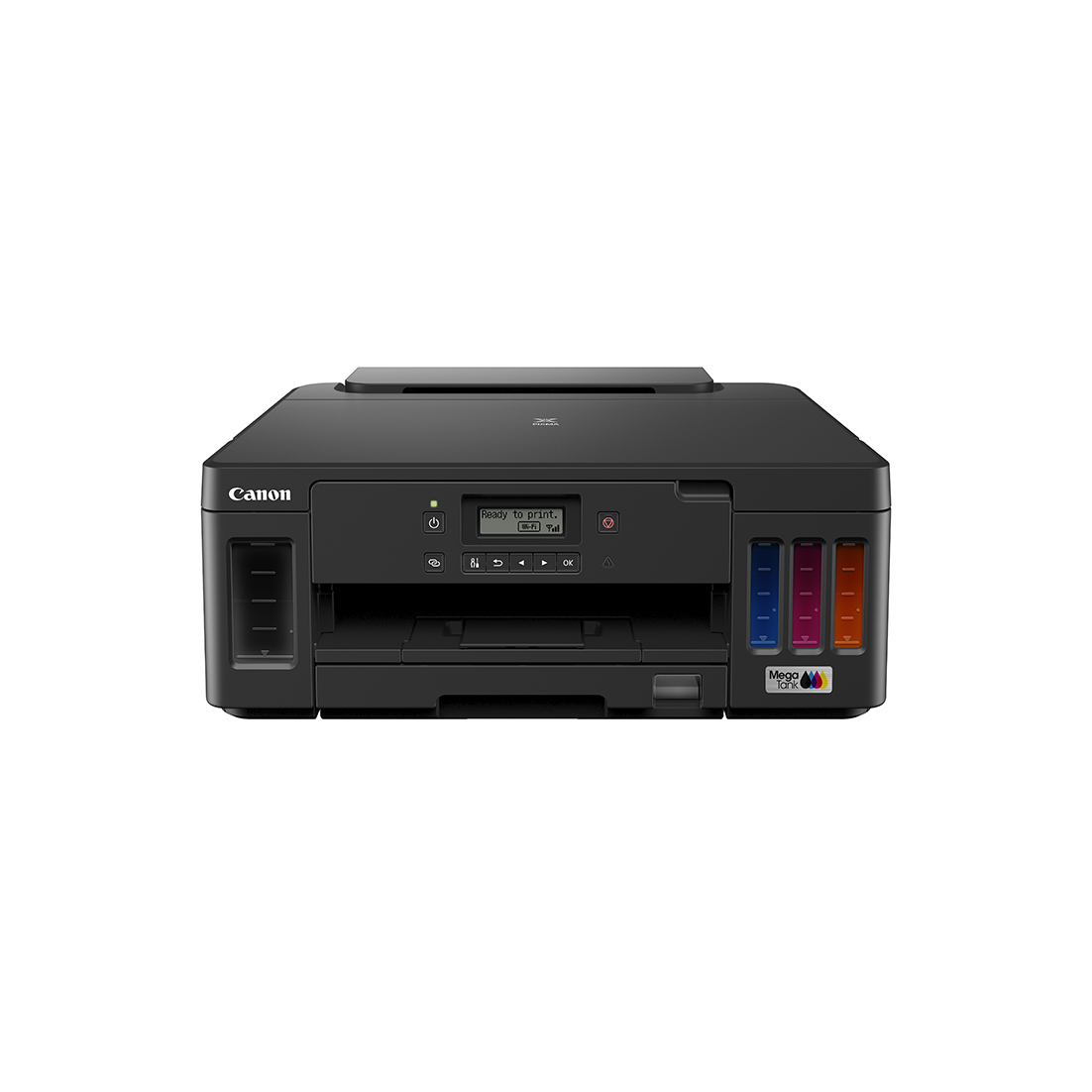
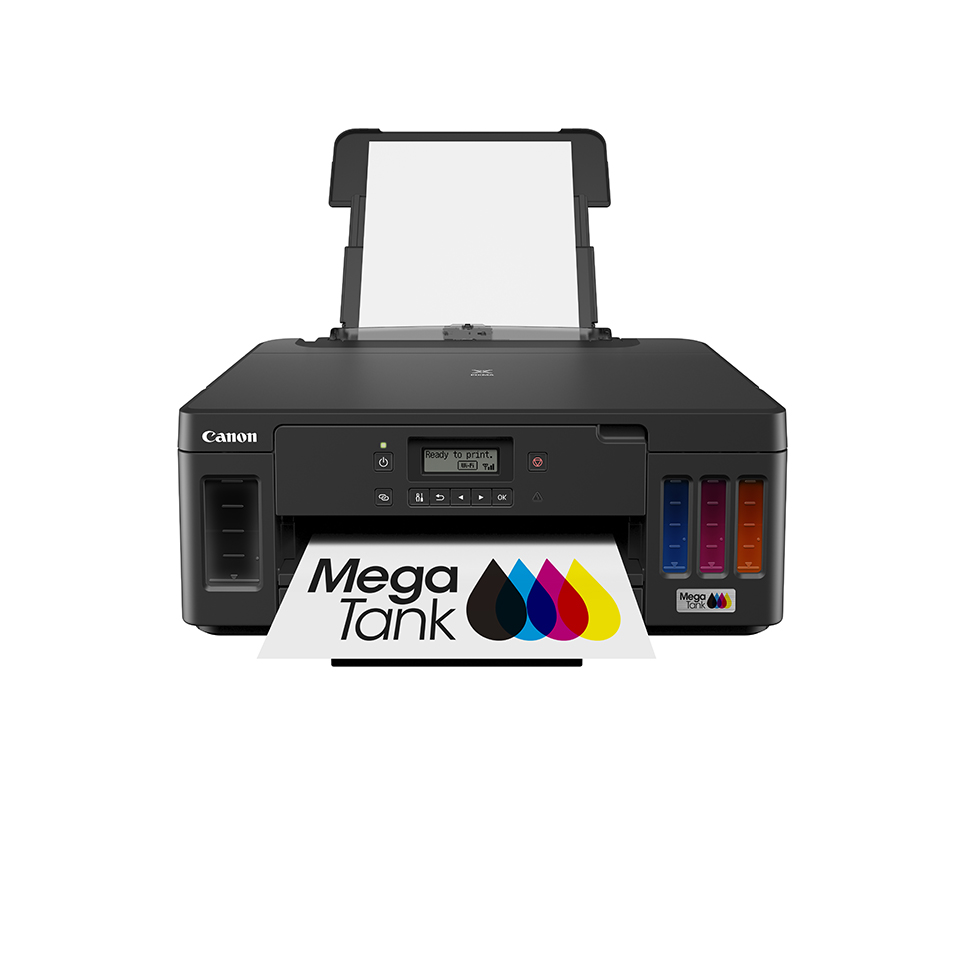
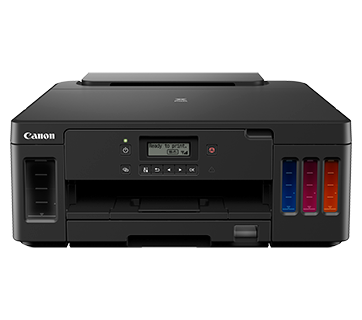
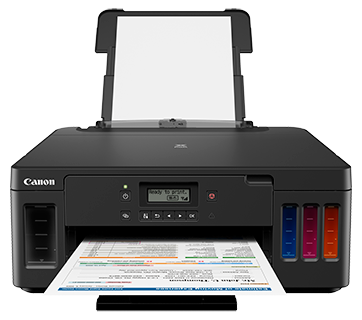
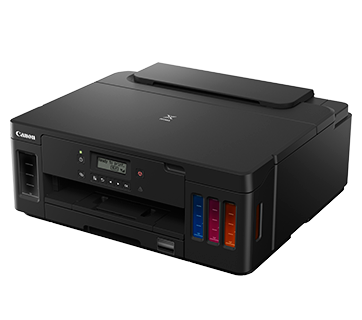
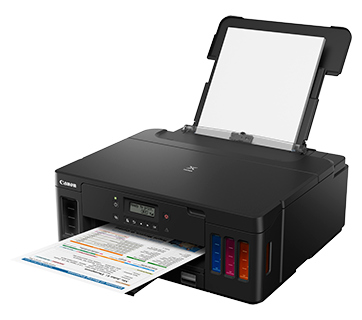
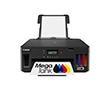
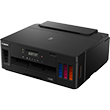
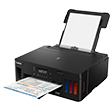
專為高用量低成本打印而設,滿足SOHO用家的龐大打印需要,亦支援全面的流動打印技術為家用用家提供高質素、便捷、高效及低成本的打印方案。
優惠
主要功能
特性
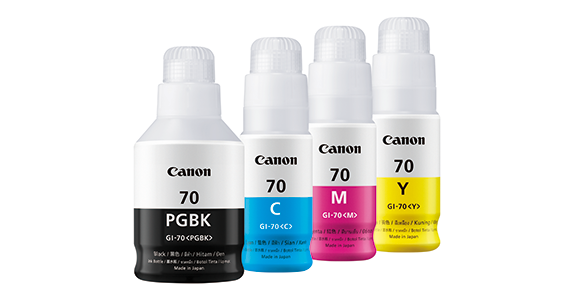
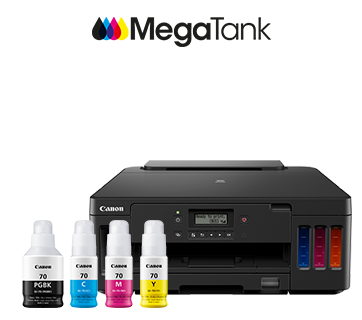
採用超高用量佳能原廠加墨式墨水系統,每套黑色及彩色 (靛藍/黃/洋紅) 墨水分別可打印多達6,000頁及7,700頁,大幅降低彩色文件打印成本至每張HK$0.05,省下長期運作成本。
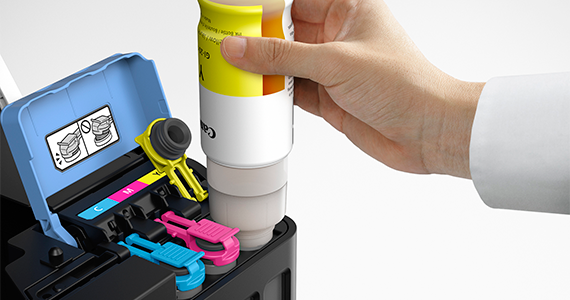
只需扭開墨水樽蓋並插入墨水槽即會自動注入墨水,過程快捷簡單。
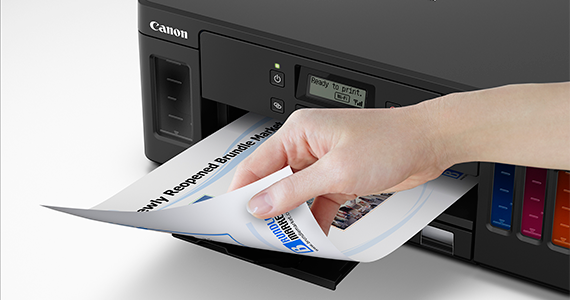
支援自動雙面打印,提升效率之餘,更可減少紙張浪費。
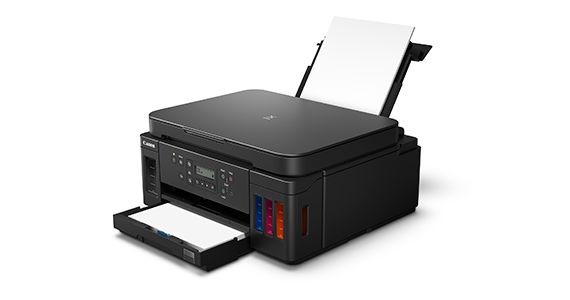
同時設有後置送紙器及送紙盤以便用家放置各類型紙張,毋須時刻換紙,令打印更便捷。總入紙量更支援高達300張普通紙,適合大量文印打印。
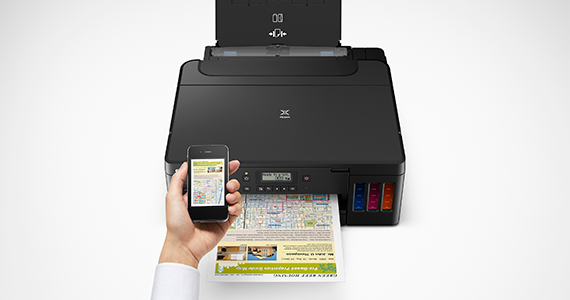
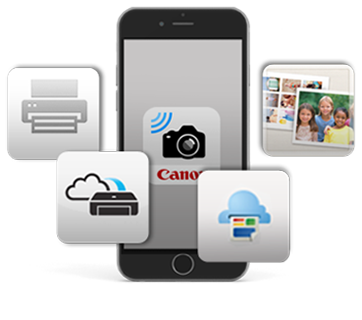
透過Wi-Fi無線網絡,可使用應用程式Canon PRINT Inket/SELPHY 及Easy Photo Print Editor 直接由iOS或Android™流動裝置打印
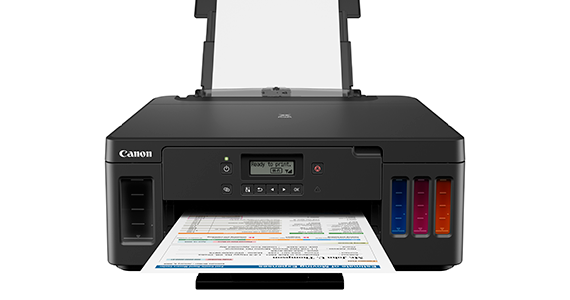
支援無邊相片打印,提供有邊及無邊兩個相片打印模式
相關頁面
相關消耗品
墨水/色帶/列印頭
|
產品名稱
|
頁數產量
|
產品類型
|
價格
|
|
GI-70 C (Cyan)
|
7700
頁數
|
墨水瓶
|
|
|
GI-70 M (Magenta)
|
7700
頁數
|
墨水瓶
|
|
|
GI-70 PGBK (Pigment Black)
|
6000
頁數
|
墨水瓶
|
|
|
GI-70 Y (Yellow)
|
7700
頁數
|
墨水瓶
|
免責聲明
- 01. 列印張數可能會因內容覆蓋範圍、列印設定、溫度、濕度和列印頻率而異有所不同。
- 02. 墨水瓶所公佈的列印量是基於Canon個別測試方法,使用 ISO/IEC 24712 彩色圖表,以及初始設定後使用替換墨水瓶進行連續列印模擬的估計值。彩色列印張數為根據 1組彩色墨水。
-
03. 墨水匣所公佈的列印量是依據ISO/IEC 24711,使用 ISO/IEC 24712 彩色圖表,透過連續列印所獲得的數值。
點擊這裡了解更多資訊
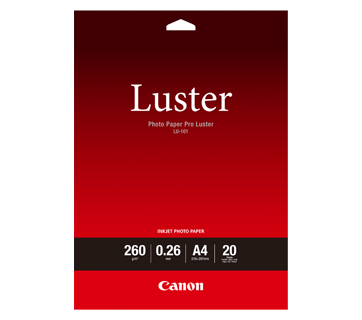
影印紙/打印專用紙
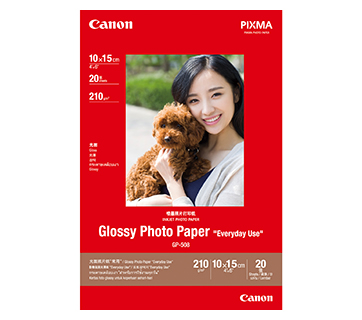
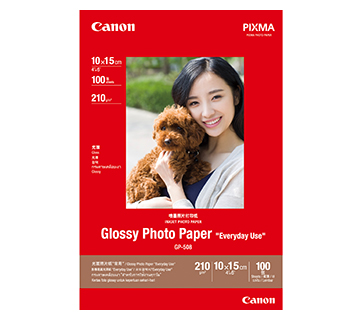
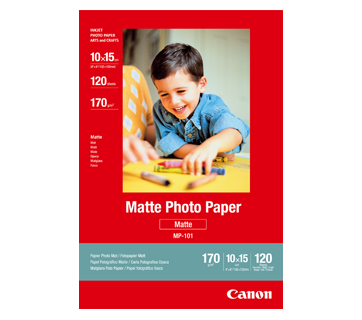
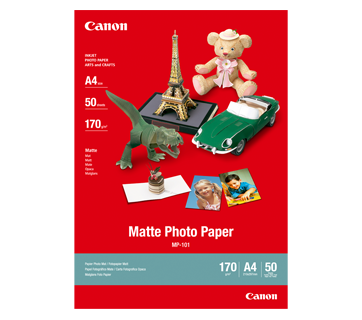
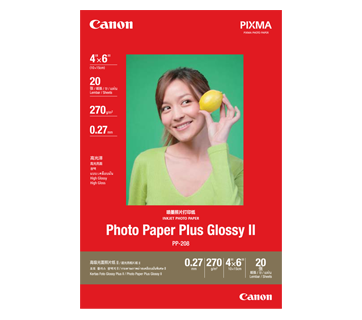
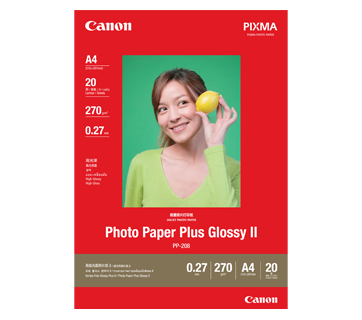
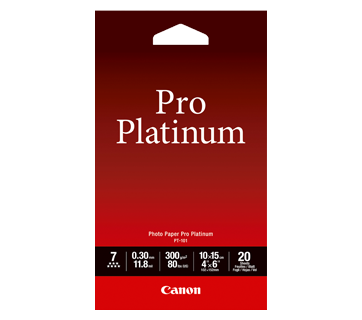
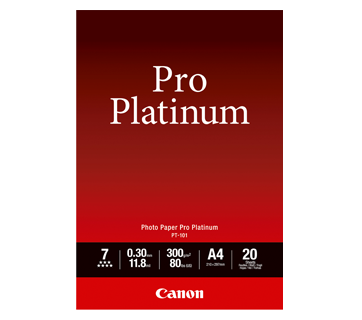
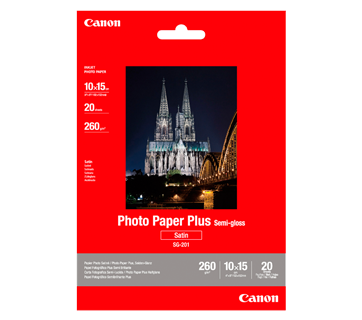
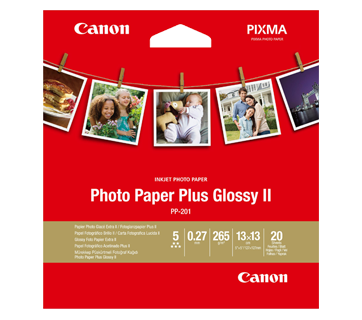
20 張
PP-201 Photo Paper Plus Glossy II
- Excellent photographic result
- Glossy finish, vibrant colour
- Looks and feels like a traditional photograph
- Colours last up to 30 years
- Grammage - 265g/m2 (3.5 x 3.5”)
Grammage - 275g/m2 (A3, A3+)
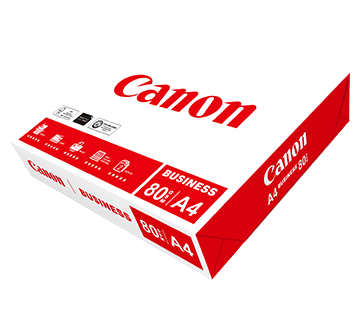
500 張
Business Paper
一般辦公用高檔白紙。 其紙質的特性能防止於雙面影印和打印時出現透底效果。
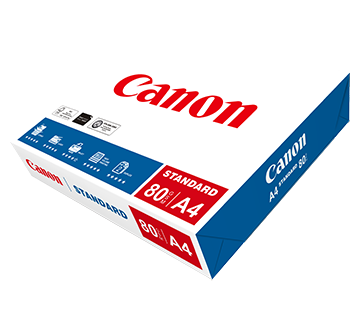
一包500張 (一盒5包)
Standard Paper
Canon Standard is made for high volume and quality printing while keeping the running cost competitive. Ideal paper for your daily high intensity printing needs.

相關資訊

規格
|
Print Head / Ink |
|
|
Type |
Permanent (Replaceable) |
|
Number of Nozzles |
Total 1,792 nozzles |
Ink Bottles (Type/Colours) |
GI-70 |
Print Heads |
BH-70, CH-70
|
|
Maximum Printing Resolution |
4800 (Horizontal)*1 x 1200 (Vertical) dpi |
|
Print Speed*2(Approx.) Click here for Summary Report |
|
|
Document (ESAT/Simplex)*3 |
13 / 6.8 ipm (Mono/Colour) |
|
Document (ESAT/Duplex)*3 |
2.9 / 2.8 ipm (Mono/Colour) |
|
Document (FPOT Ready/Simplex)*4 |
9 / 14 sec (Mono/Colour) |
|
Photo (4 x 6") (PP-201/Borderless)*5 |
45 sec |
|
Printable Width |
Up to 203.2 mm (8") |
|
Printable Area |
|
|
Borderless Printing*6 |
Top/Bottom/Right/Left margin: each 0 mm |
|
Bordered Printing |
#10 Envelope/DL Envelope: |
|
Bordered Auto 2-Sided Printing |
Top/Bottom margin: 5 mm (LTR: Left: 6.4 mm, Right: 6.3 mm) |
|
Support Media |
|
|
Rear Tray |
Plain Paper (64 - 105 g/m²) |
|
Cassette |
Plain Paper (64 - 105 g/m²) |
|
Paper Size |
|
|
Rear Tray |
A4, A5, B5, LTR, LGL, 4 x 6", 5 x 7", 7 x 10", 8 x 10", |
|
Cassette |
A4, A5, B5, LTR |
|
Paper Size (Borderless)*6 |
A4, LTR, 4 x 6", 5 x 7", 7 x 10", 8 x 10", |
|
Paper Handling (Maximum Number) |
|
|
Rear Tray |
Plain Paper (A4, 64 g/m²) = 100 |
|
Cassette |
Plain Paper (A4, 64 g/m²) = 250 |
|
Support Media for Auto 2-sided printing |
|
|
Type |
Plain Paper |
|
Size |
A4, A5, B5, LTR |
|
Paper Weight |
|
|
Rear Tray |
Plain Paper: 64 - 105 g/m² |
|
Cassette |
Plain Paper: 64 - 105 g/m² |
|
Ink End Sensor |
Electrode type and dot count type combined |
|
Print Head Alignment |
Auto/Manual |
Network
|
Protocol |
TCP/IP, SNMP |
|
Wired LAN |
|
|
Network Type |
IEEE802.3u (100BASE-TX) / IEEE802.3 (10BASE-T) |
|
Data Rate |
10 M/100 Mbps (Auto switchable) |
|
Wireless |
|
|
Network Type |
IEEE802.11b/g/n
|
|
Range |
Indoor 50 m (Depends on the transmission speed and conditions) |
|
Security |
WEP 64/128 bit |
|
Direct Connection (Wireless LAN) |
Available |
Printing Solutions
|
AirPrint® |
Available |
|
Windows 10 Mobile |
Available |
|
Mopria® Print Service |
Available |
|
Canon Print Service |
Available |
|
Cloud Integration Service |
Available |
|
Easy-PhotoPrint Editor |
Available |
|
Canon PRINT |
Available |
System Requirements*7
|
|
Windows 10 / 8.1 / 7 SP1 |
General Specifications
|
Operation Panel |
|
|
Display |
2-Line LCD |
|
Language |
32 Selectable Languages: Japanese / English / German / French / Italian / Spanish / Dutch / Portuguese / Norwegian / Swedish / Danish / Finnish / Russian / Czech / Hungarian / Polish / Slovene / Turkish / Greek / Simplified Chinese / Traditional Chinese / Korean / Indonesian / Slovakian / Estonian / Latvian / Lithuanian / Ukrainian / Romanian / Bulgarian / Thai / Croatian / Vietnamese |
|
Interface |
USB 2.0 |
|
PictBridge (Wireless/Wired LAN) |
Available |
|
Operating Environment*8 |
|
|
Temperature |
5 - 35°C |
|
Humidity |
10 - 90% RH (no dew condensation) |
|
Recommended Environment*9 |
|
|
Temperature |
15 - 30°C |
|
Humidity |
10 - 80% RH (no dew condensation) |
|
Storage Environment |
|
|
Temperature |
0 - 40°C |
|
Humidity |
5 - 95% RH (no dew condensation) |
|
Quiet Mode |
Available |
|
Acoustic Noise (PC Print)*10 |
|
|
Plain Paper (A4, Mono) |
50.5 dB(A) |
|
Power |
AC 100 - 240 V, 50/60 Hz |
|
Power Consumption (Approx.) |
|
|
OFF |
0.3 W |
|
Standby (scanning lamp is off) |
0.8 W |
|
Printing*11 |
21 W |
|
Duty Cycle |
Up to 5,000 pages/month |
|
Dimensions (WxDxH) (Approx.) |
|
|
Factory Configuration |
403 x 369 x 166 mm |
|
Output/ADF Trays Extended |
403 x 695 x 356 mm |
|
Weight (Approx.) |
6.5 kg |
Page Yield*12
- Ink droplets can be placed with a pitch of 1/4800 inch at minimum.
- Print speed may vary depending on system configuration, interface, software, document complexity, print mode, page coverage, type of paper used etc.
- Document print speeds are the average of ESAT, based on the Office Category Test (Word, Excel, PDF), the default simplex mode, and the ISO/IEC 24734 standard.
- Document print speeds are the average of FPOT, based on the Office Category Test, the default simplex mode, and the ISO/IEC 17629 standard.
- Photo print speed is based on the default setting using ISO/JIS-SCID N2 on Photo Paper Plus Glossy II and does not take into account data processing time on host computer.
- Paper Type NOT supported for borderless printing are as follows: Envelope, High Resolution Paper, T-Shirt Transfer, Photo Stickers.
- Please visit https://asia.canon/support to check OS compatibility and to download the latest driver updates.
- The performance of the printer may be reduced under certain temperature and humidity conditions.
- For the temperature and humidity conditions of papers such as photo paper, refer to the paper's packaging or the supplied instructions.
- Acoustic Noise is measured based on ISO 7779 standard with default setting.
- Print: When printing ISO/JIS-SCID N2 on A4 size plain paper using default settings.
- Page yields may vary depending on content coverage, print settings, temperature, humidity, and frequency of printing.
- Declared yield value is the estimated value based on Canon individual test method using the ISO/IEC 24712 colour chart and continuous printing simulation with the replacement ink bottles after initial setup.
The colour yield is based on 1 set of composite colour bottles. - The Economy mode reduces the ink consumption by lowering the density. More pages can be printed using this mode.
- Declared yield value is the estimated value based on Canon individual test method using the ISO/IEC 29103 chart and continuous printing simulation with the replacement ink bottles after initial setup.
Black ink is not used when printing under this condition. However, a minimal amount of black ink is used for maintenance purposes.
Disclaimer |
|
購買地點
總擁有成本計算器


產品免責聲明
- 01. 價格、規格、供貨情況及使用條款如有更改,恕不另行通知。
- 02. 產品/服務可能由第三方製造商/供應商製造及/或提供予我們用於分銷/轉售 (非佳能品牌之產品/服務)。
- 03. 以上價格為港幣建議零售價,如有更改,恕不另行通知。
免責聲明
- 01.價格、規格、供貨情況及使用條款如有更改,恕不另行通知。
- 02.產品/服務可能由第三方製造商/供應商製造及/或提供予我們用於分銷/轉售 (非佳能品牌之產品/服務)。
- 03.以上價格為港幣建議零售價,如有更改,恕不另行通知。
- 04.此計算器根據以下條件計算總擁有成本:
i. 此預測是基於用戶對自己使用量而評估,僅供參考之用。實際擁有成本可能會因用戶的實際使用方式,打印環境,維護週期以及此計算中未考慮的其他因素而異。 - 05.列印張數可能會因內容覆蓋範圍、列印設定、溫度、濕度和列印頻率而異有所不同。
- 06.墨水瓶所公佈的列印量是基於Canon個別測試方法,使用 ISO/IEC 24712 彩色圖表,以及初始設定後使用替換墨水瓶進行連續列印模擬的估計值。彩色列印張數為根據 1組彩色墨水。
- 07.墨水匣所公佈的列印量是依據ISO/IEC 24711,使用 ISO/IEC 24712 彩色圖表,透過連續列印所獲得的數值。 點擊這裡了解更多資訊